Face beautify
Smooth, Enhance and filters such as Classic, Velvet, Editorial, Film and Icy. These tools run on your iPhone, and your photo never leaves the device.
AI photo editor for iPhone
Still you. Just the good lighting. SlayCam retouches your selfies right on your phone and turns one selfie into a styled photoshoot.
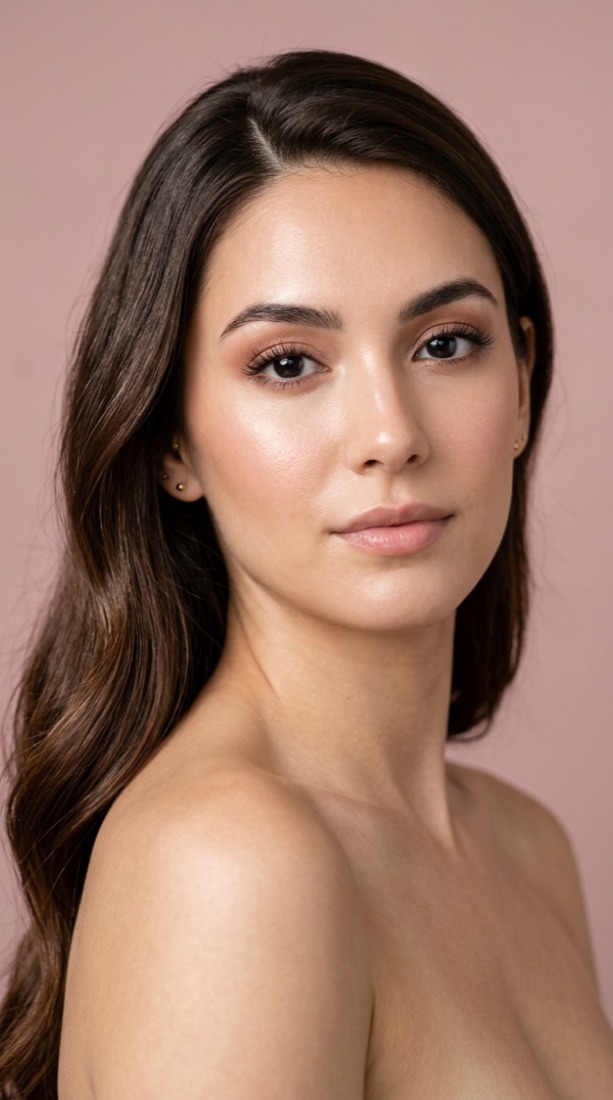
Three ways to get the photo you actually want to post.
Smooth, Enhance and filters such as Classic, Velvet, Editorial, Film and Icy. These tools run on your iPhone, and your photo never leaves the device.
Fix hair, brighten a smile, or change the impression and contour of a portrait. Every AI tool shows its price before you use it, and you get a free AI edit every day.
One selfie in, one styled photo out. Pick a look, from a moody editorial to a golden-hour portrait, and SlayCam creates it for you. If a shoot fails, you are not charged.
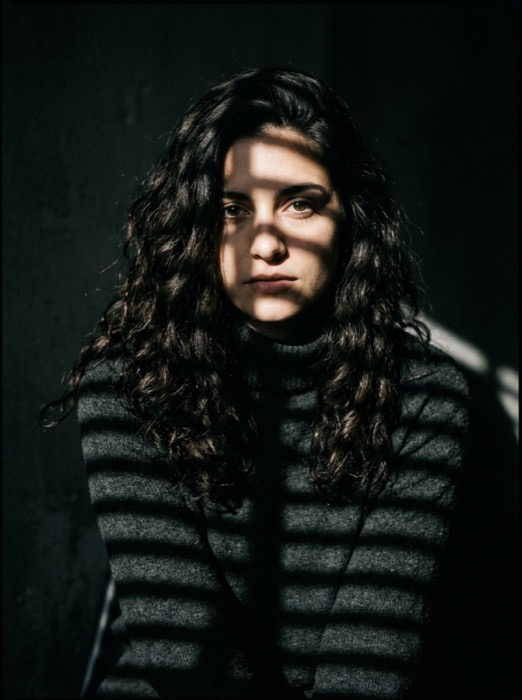 Shadow Gaze
 Golden Hour
 Old Money
 Birthday Glow
 Studio B&W
 Headshot & Office
The editor's on-device tools and a daily free AI edit work without an account. Free exports are 1080p with a small SlayCam watermark.
SlayCam Pro unlocks every Pro filter, full-resolution exports with no watermark, no ads, AI edits without a Slaycoin cost, and a Slaycoin allowance for presets. Pro is billed through the App Store, and you can cancel anytime.
Slaycoins pay for AI presets. You are only charged when your photo is delivered.
You need an account to buy Pro or Slaycoins, generate a photoshoot, or save a photo, so your purchases and edits follow you to any device. You can sign in with Apple or with Google.
When you choose Sign in with Google, SlayCam asks Google only for your basic profile: your name, email address and Google account ID. We use them only to create your SlayCam account, sign you in, and keep your Pro subscription, Slaycoins and saved edits attached to it.
Write to us at contact@linkova.net.

